Common Editing Mistakes (and How to Fix Them)
Written By:
Last Updated on May 21, 2026
Overview
Editing guides in DocuFast is easy, but small errors can reduce clarity, confuse your team, or even introduce compliance risks.
Common Editing Mistakes & How to Fix Them
1. Steps Out of Order
Mistake: Steps are not in the correct workflow sequence, causing confusion.
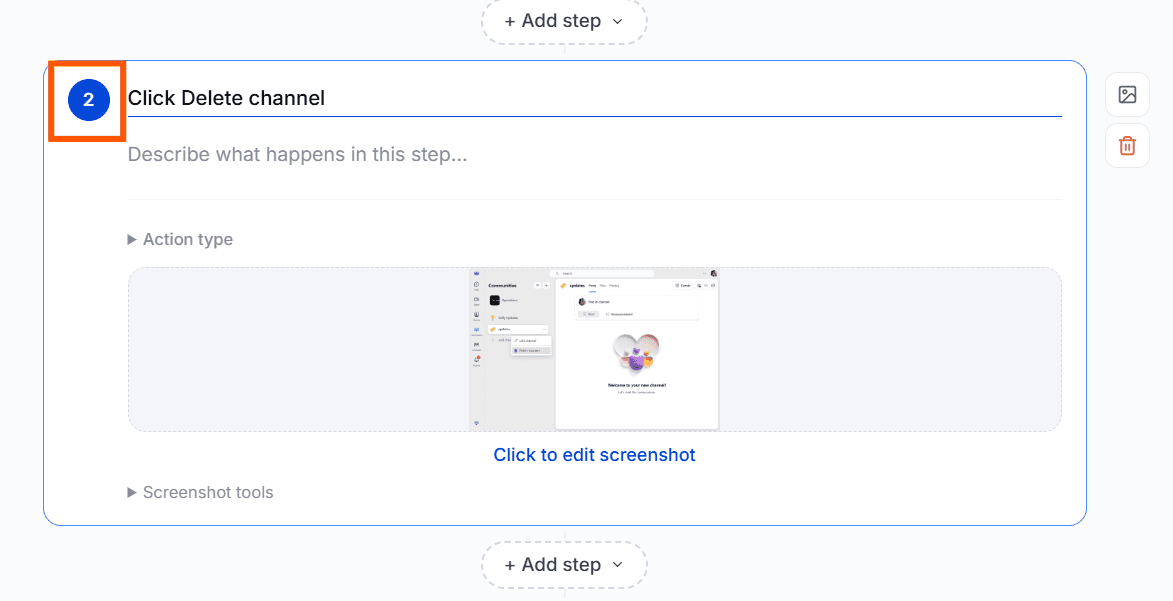
Fix: Click and hold the step number, then drag and drop it to a new position to reorder the steps.
2. Missing or Poorly Edited Screenshots
Mistake: Screenshots are absent, unclear, or not annotated properly.
Fix: To replace a screenshot, click Screenshot Tools, select Edit, and then choose Replace Image. Use annotation and highlight tools to improve clarity where needed.
3. Step Instructions Are Unclear
Mistake: Instructions are too vague, too long, or inconsistent.
Fix: Edit instructions to be short, actionable, and uniform. Use the same verbs for similar actions.
4. Duplicate or Redundant Steps
Mistake: Steps are repeated unintentionally, often when you go back during a workflow and perform the same action again or correct a mistake.
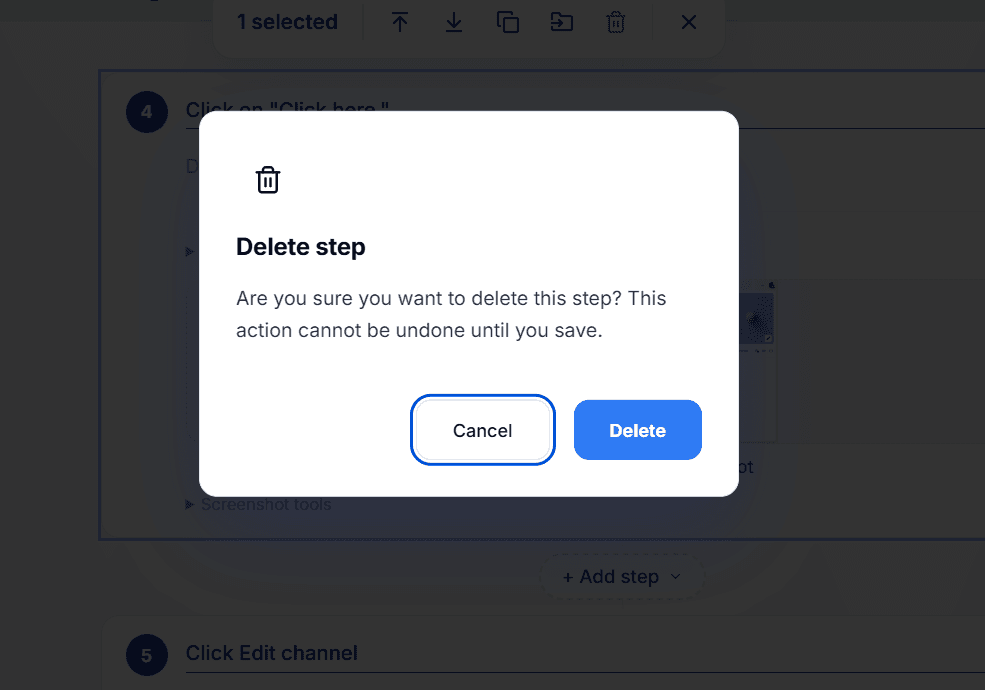
Fix: Review the step list and delete unnecessary or repeated steps using the Delete option in the editing tools. Keep only the intended steps so the workflow stays clear and easy to follow.
5. Exposing Sensitive Information
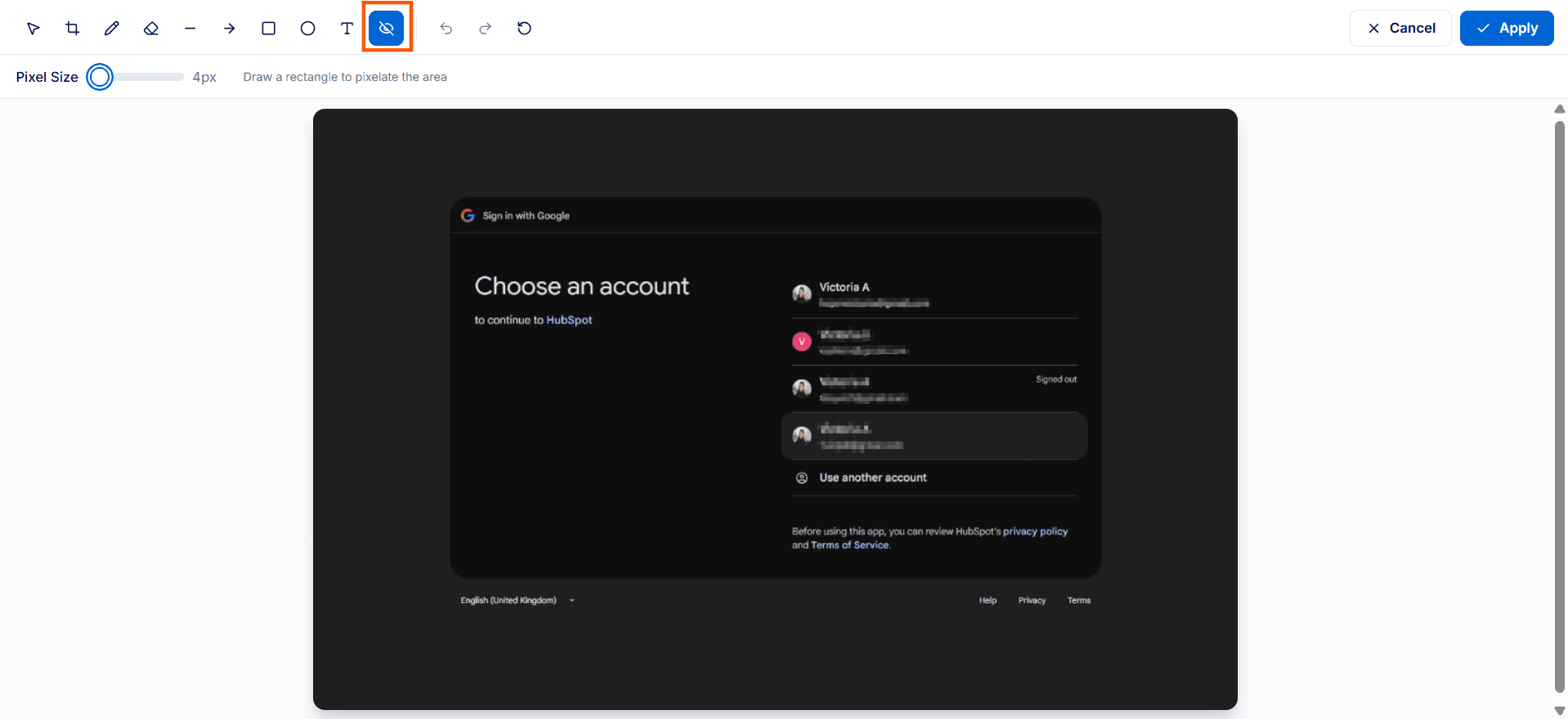
Mistake: Personal or confidential info is visible in screenshots or instructions.
Fix: Use screenshot editing tools to blur or redact sensitive info. Replace private data in text with placeholders.
6. Unsaved Changes
Reminder: If you try to leave the editor before saving, you'll see a warning prompting you to either stay and save your changes or leave without saving.
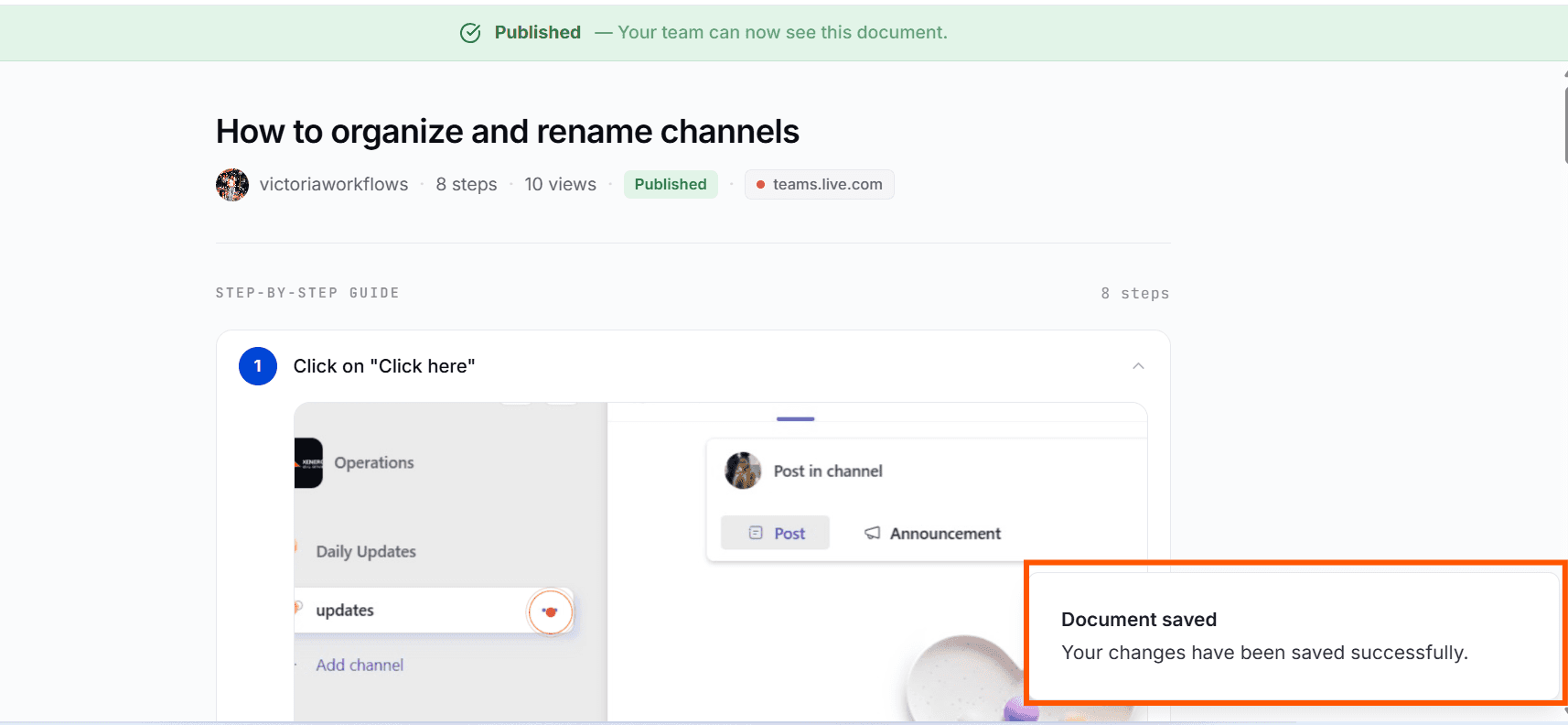
Best Practice: Save your work regularly by clicking Save Changes and confirming the save notification before exiting the editor.
Tips for Best Results
Work section by section to catch mistakes early.
Keep a checklist of common issues for quick reference.
